¶ User
User is an entity in the system that can belong to one or more organizations and can have one or more roles in each Organization.
The user is by default created and registrered by an Administrator.
The account-settings the user is able to manage are described in following sections:
¶ Password reset
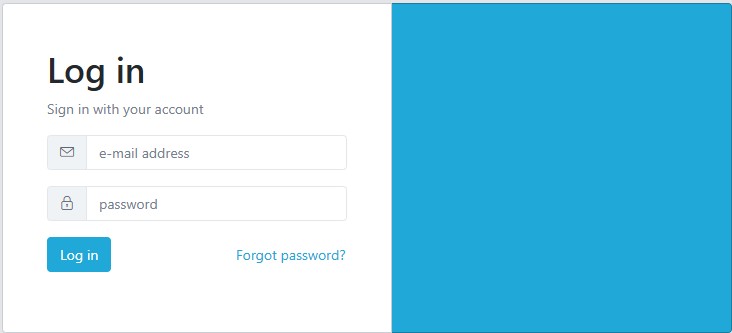
To initiate password reset, click on Forgot password? button.
¶ 1. Initiate password reset
¶ 2. Request password reset
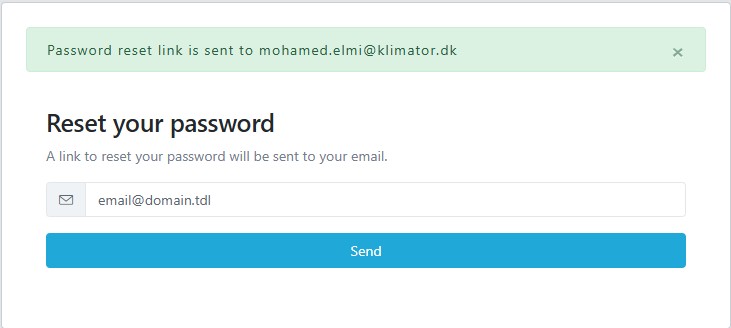
To request password reset user needs to enter the email address the account is registered with, so that the platform can send the password reset instructions to.

3. Password reset instructions
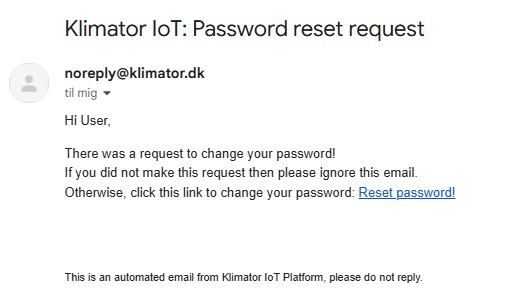
If the given email address exists in the system, the platform should send an email containing the password reset instructions.
¶ 4. Create new password
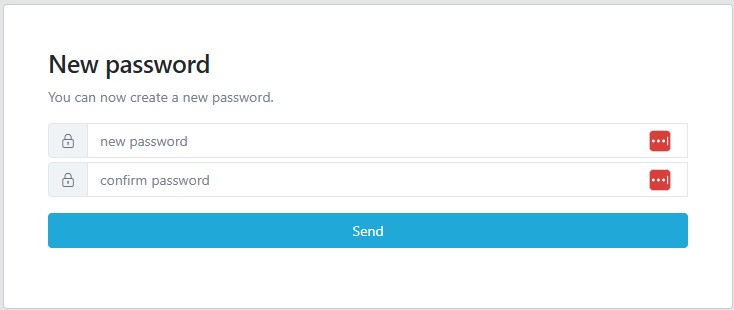
When user has clicked on the link contained in the received email, user is required to enter new password.